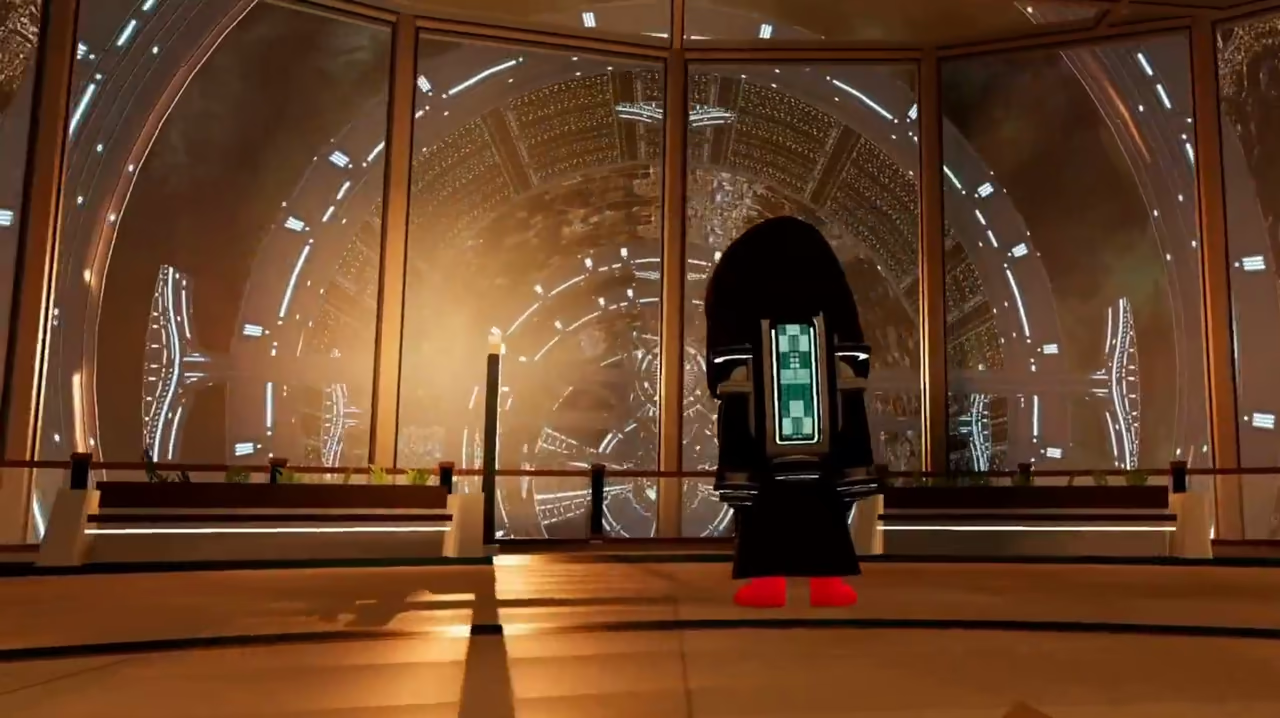


Fronterra should meet children wherever they are: a school Chromebook, the family laptop, a tablet on the sofa, a phone in the car. We are building it to run on all of them.
But if you ask us where Fronterra is at its best today, our answer is simple: a computer. That is not a technical limit we are apologising for. It is a choice we believe in. Our players are at exactly the age when children become computer users, and we think a great game is one of the best teachers a keyboard and mouse can have.
The short version
- Every screen is welcome. Fronterra runs in a web browser on laptops, desktops, Chromebooks, tablets and phones, with touch controls and game controllers too.
- A computer gives the whole game. More keys within reach, a precise mouse, a bigger screen, and a keyboard for typing questions and building things.
- Ages 10 to 14 are the computer years. By 2021, 90% of educators said every middle schooler had a school device, and daily homework on a computer has climbed fast.
- "Digital natives" still have to learn. A quarter of US eighth graders did not reach the lowest level of a major international computer skills test in 2023.
- We think play is a good way to learn it. Fronterra asks for typing, shortcuts, two hands working together and building, without ever feeling like a lesson.
Every screen is welcome
Fronterra runs in a web browser. There is nothing to install and no app store in the way, so the same game opens on almost anything with a modern browser.
- Laptops and desktops. Keyboard and mouse, the full game. This includes the Chromebooks many schools hand out.
- Tablets and phones. Touch controls, with an on-screen stick and buttons for jumping, sliding and the rest.
- Game controllers. Pair a gamepad and play from the sofa.
We will keep widening that list. A child should never be shut out of a science adventure because of the device their family happens to own.
Why the computer is the best seat in the house
A computer gives a player more ways to act, more precisely, on a bigger screen, than any other device a family owns. In a game about exploring, building and asking questions, that matters.
- More hands on the controls. A keyboard has dozens of keys within reach. A player can run, jump, open their backpack, use a tool and talk to a character without stopping to tap a menu. On a phone, every action competes for the same small patch of glass.
- Precision. A mouse lets a player look, aim and place things exactly where they mean to. That is the difference between nudging a block into place in the Creative Sandbox and fighting the screen to do it.
- Room to see. A laptop screen shows the world, the map and a question side by side. A thumb resting on a phone covers part of a screen that was small to begin with.
- Making, not just watching. A keyboard is how a child types a question to Axon, their guide, writes an answer in their own words, or builds a level of their own. Those are the moments where the most learning happens.
Tablets and phones are wonderful for a quick session, and we want those sessions to be good. But when a child sits down at a computer, they get the whole of Fronterra.
Ages 10 to 14 are the computer years
Fronterra is made for ages 10 to 14. Those are the years when the computer stops being a family device and becomes a child's own tool for school.
Middle school puts a laptop on every desk. An EdWeek Research Center survey found that by March 2021, "90 percent of educators said there was at least one device for every middle and high schooler." Before the pandemic, about two-thirds said the same. (Education Week, 2021)
Homework moved onto the computer. The 2019 Common Sense census found that the share of tweens (8 to 12) using a computer for homework every day rose "from 11% to 27%" in four years. For teens, 59% did homework on a computer every day, against 29% four years earlier. (Common Sense Media, 2019)
At the same time, the phone arrives. The same census found that "53% of kids have their own smartphone by the time they are 11, and 69% have one at age 12." So the children we make Fronterra for are pulled two ways at once: toward the computer at school, and toward the phone everywhere else.
"Digital natives" still have to learn
It is easy to assume that children who grew up with screens already know computers. The research says otherwise.
Many 13 and 14 year olds lack basic computer skills. The International Computer and Information Literacy Study (ICILS) tests eighth graders around the world. In its 2023 round, "about one-quarter (25 percent) of 8th-grade students in the United States did not reach the lowest CIL proficiency level." The average US score fell from 519 in 2018 to 482 in 2023. The US education statistics commissioner said the study "raises questions about the technological savvy of students who have been dubbed 'digital natives.'" (NCES, 2024)
More screen time is not the same as more skill. The IEA, which runs the study, found that eighth graders use technology more every year, but "digital literacy achievement scores have not been increasing to match." (IEA, 2024) Common Sense found the same pattern in how time is spent: making art, music, code or writing takes "just 2% of screen use among tweens and 3% among teens." (Common Sense Media, 2019)
Fluency shows up in school results. On the computer-based US national writing test in 2011, "both 8th and 12th grade students who said they used a computer more frequently to edit their writing scored higher than students who did not." (Literacy Now, 2012) That is a link, not proof of cause, but it points the same way as everything else.
And it shows up in work. A 2023 analysis of 43 million US job postings by the National Skills Coalition and the Federal Reserve Bank of Atlanta found that "92% of jobs analyzed require digital skills." Workers who qualify for a job needing even one digital skill "can earn an average of 23 percent more." (National Skills Coalition, 2023)
A phone teaches a child to tap and scroll. A computer asks more of them: typing, using a mouse, keeping several things open at once, finding where they saved their work. Those skills do not arrive on their own. They are practised.
Playing your way to computer fluency
We care about this because we have seen what a game can do. Plenty of adults learned to type by chatting in a game, learned what a file was by installing a mod, or learned to fix a computer because they wanted a game to run.
Fronterra asks for the same skills, for good reasons:
- Both hands working together. Keys to move, a mouse to look. It is the same coordination a child uses to edit a document or work in a spreadsheet.
- Typing with a purpose. Asking Axon a question or writing an answer in their own words. Every one is a reason to find the keys.
- Shortcuts that stick. Players learn that I opens the backpack and M opens the map. That is how every grown-up computer program works.
- Building things. The Creative Sandbox asks children to place, move and arrange a level of their own, the way they will later arrange slides, files and code.
None of this feels like a lesson, and that is the point. A child who spends an afternoon exploring Mars on a laptop walks away a little more at home on a computer.
We will keep making Fronterra better on tablets, phones and controllers, because every child deserves a way in. But if you are choosing a device for your child to play on, we recommend the computer. It is where the game is at its fullest, and it is where they are going to spend a lot of their future.